AI Images Went From Gimmick to Professional-Grade — Here’s What’s Best in 2026
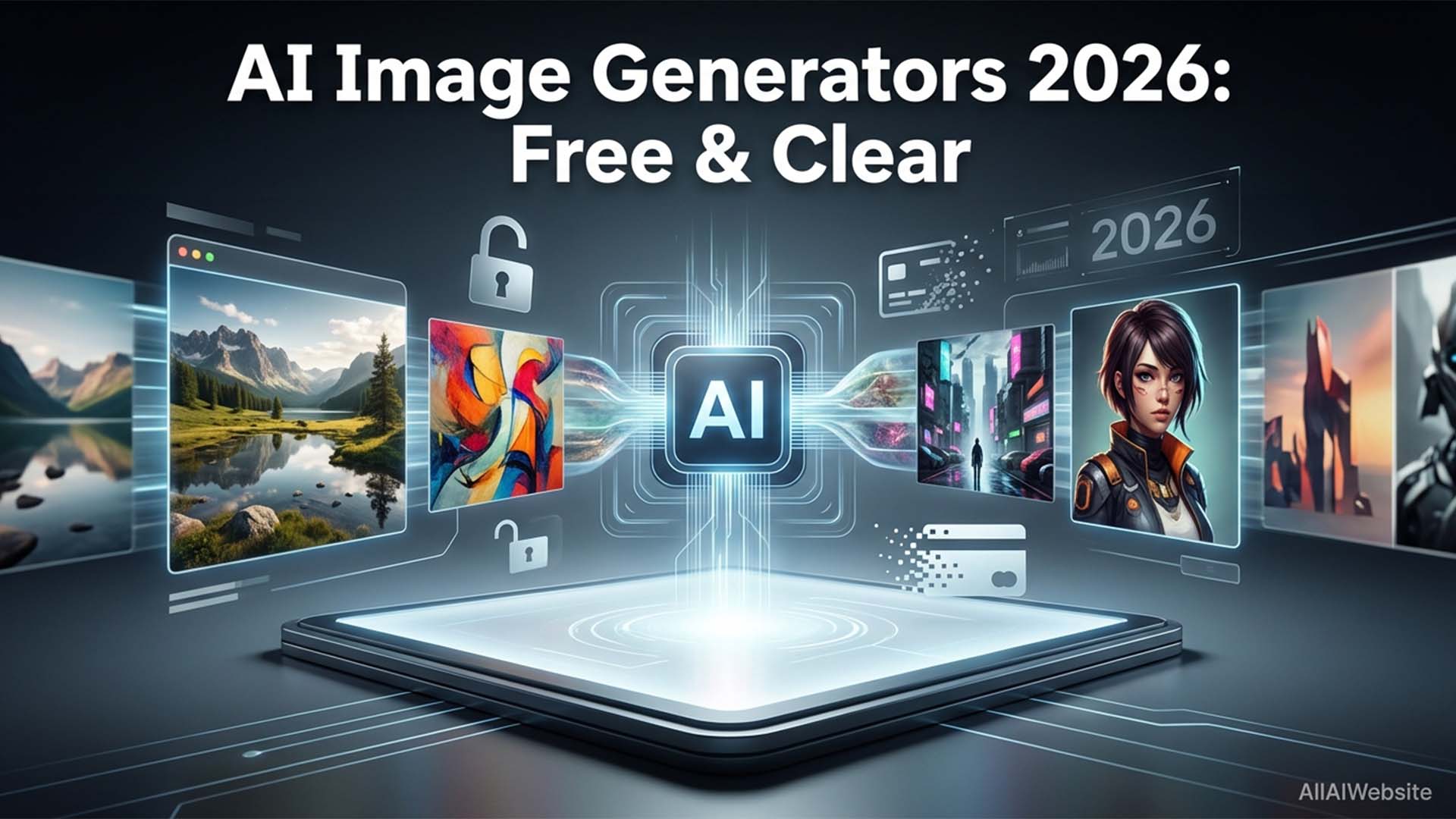
AI image generation went from “impressive but limited” to “genuinely professional-quality” in 2025–2026. The tools available today can produce photorealistic images, complex compositions, specific art styles, and consistent characters at a level that was impossible two years ago. We tested 30+ AI image generators in April 2026, searching for the best AI image generator 2026 across every category — including free AI image generator no watermark options and the best midjourney alternative free picks across five use cases: photorealistic images, digital art, social media graphics, product visualization, and anime/illustration. Here’s what we found.
Top Picks Summary
🥇 Best Quality Overall: Midjourney v6 — Unmatched aesthetic quality, from $10/month. No free plan but offers a 25-image trial.
🥈 Best Free Option: Adobe Firefly — 25 free credits/month, commercially safe, no watermark.
🥉 Best for Beginners: Canva AI Image Generator — 50 free uses/month, drag-and-drop simplicity.
⚡ Best Speed: DALL-E 3 (via ChatGPT) — Fastest generation, best prompt understanding, great at text in images.
🔓 Most Flexible: Stable Diffusion (local) — Free, unlimited, runs on your computer.
🎨 Best for Anime/Art: SeaArt or NightCafe — Specialized art styles, generous free tier.
💼 Best for Products/Marketing: Ideogram 2.0 — Excellent at text rendering in images.
Quick Comparison — Best AI Image Generators 2026
| Tool | Best For | Free Plan | Starting Price | Watermark-Free |
|---|---|---|---|---|
| Midjourney v6 | Highest quality output | ❌ No | $10/month | ✅ Yes (paid) |
| Adobe Firefly | Commercial-safe images | ✅ 25 credits/month | $9.99/month | ✅ Yes |
| DALL-E 3 | Prompt accuracy, text in images | ✅ Via ChatGPT | $20/month (ChatGPT+) | ✅ Yes |
| Stable Diffusion | Unlimited, open source | ✅ Self-hosted | Free | ✅ Yes |
| Canva AI | Beginners, social media | ✅ 50 uses/month | $15/month | ✅ Yes |
| Ideogram 2.0 | Text rendering in images | ✅ 10/day | $8/month | ✅ Yes |
| Leonardo AI | Game art & concept art | ✅ 150 tokens/day | $12/month | ✅ Yes |
| Bing Image Creator | Quick free generation | ✅ 15 fast/day | Free | ✅ Yes |
1. Midjourney v6 — Best Quality AI Image Generator
Midjourney remains the gold standard for image quality in 2026. The v6 model produces images with a level of detail, lighting, and compositional quality that other tools still can’t match consistently. It operates through Discord and a web app.
Image quality: ⭐⭐⭐⭐⭐ | Ease of use: ⭐⭐⭐ | Value: ⭐⭐⭐⭐
Pricing: Basic $10/month (200 images), Standard $30/month (unlimited relaxed), Pro $60/month.
Best for: Creative professionals, artists, marketers producing premium visual assets.
2. Adobe Firefly — Best Free AI Image Generator
Adobe Firefly is the best free AI image generator for users who need commercially safe output. Adobe’s tool is trained only on licensed content — anything you generate is safe to use in commercial projects. The free tier gives 25 generative credits/month with no watermark.
Image quality: ⭐⭐⭐⭐ | Ease of use: ⭐⭐⭐⭐⭐ | Value: ⭐⭐⭐⭐⭐
Best for: Designers and marketers who need commercially safe images, Adobe Creative Cloud users, beginners.
3. DALL-E 3 — Best for Prompt Accuracy
DALL-E 3, integrated into ChatGPT, excels at following complex prompts accurately. It’s also the best at generating readable text within images — a historically difficult problem for AI image tools.
Pricing: Free via ChatGPT free tier (limited), unlimited with ChatGPT Plus ($20/month).
Best for: Content creators who need specific scenes, marketers creating illustrations.
Free AI Image Generators with No Watermark
The best free options that give you clean, watermark-free images you can use immediately:
- Adobe Firefly — No watermark, commercially safe, 25 free credits/month
- Bing Image Creator (DALL-E 3) — Free, no watermark, 15 fast credits/day
- Canva AI — 50 free uses/month, no watermark
- Stable Diffusion (local) — Completely free, no watermark, unlimited
- Ideogram — 10 free images/day, no watermark on basic quality
Which AI Image Generator Should You Use?
If quality is everything → Midjourney.
If it’s for commercial use → Adobe Firefly.
Also, if you want it free with no limits → Stable Diffusion (requires setup).
If you’re already using ChatGPT → DALL-E 3.
Also, if you’re a beginner → Canva AI.
If you need text in the image → Ideogram 2.0.
Frequently Asked Questions — AI Image Generators 2026
Q: What is the best AI image generator in 2026?
A: Midjourney v6 produces the highest quality images overall. For free options, Adobe Firefly (25 credits/month, no watermark) and Bing Image Creator (15 fast credits/day) are the strongest picks.
Q: Which AI image generator is completely free forever?
A: Stable Diffusion run locally is free forever with no limits. Bing Image Creator gives 15 free credits daily. Also, Adobe Firefly gives 25 monthly free credits with no watermark and commercial-safe output.
Q: Can I sell images made with AI image generators?
A: It depends on the tool. Adobe Firefly images are commercially safe by design (trained on licensed content). Also, Midjourney allows commercial use on paid plans. Stable Diffusion images are generally yours to use commercially. Always verify the current terms of each tool before commercial use.
Q: What is the best free AI image generator with no watermark?
A: Adobe Firefly, Bing Image Creator (DALL-E 3), Canva AI, Ideogram, and Stable Diffusion all produce watermark-free images on free plans. Also, Midjourney adds a watermark on its free trial.
Q: What’s the best AI image generator for realistic photos?
A: Midjourney v6 and Stable Diffusion XL produce the most photorealistic results. For ease of use without complex prompting, DALL-E 3 via ChatGPT and Adobe Firefly both produce convincing realistic images.
Q: Which AI image generator is best for beginners?
A: Canva AI is the easiest to use — it integrates into a familiar drag-and-drop interface. Adobe Firefly and DALL-E 3 (via ChatGPT or Bing) are also very beginner-friendly with natural language prompting.
Q: Can AI image generators create consistent characters?
A: Midjourney’s Character Reference feature and Stable Diffusion with ControlNet can create consistent characters across multiple images. Also, DALL-E 3 and Firefly are less reliable for character consistency across generations.
Q: What AI image generator is best for product photography?
A: Adobe Firefly (commercial-safe), DALL-E 3, and specialized tools like Pebblely or PhotoRoom AI are best for product photography. Firefly’s generative fill can also enhance existing product photos.
Conclusion
The best AI image generator 2026 depends on what you need: Midjourney v6 for unmatched quality, Adobe Firefly for commercial-safe output, DALL-E 3 for prompt accuracy, and Stable Diffusion for unlimited free generation. So, if you’ve never tried AI image generation before, start with Bing Image Creator (free, no signup required, powered by DALL-E 3) — it’s the fastest way to see what these tools can do with zero commitment.
As image quality continues to improve across the board, the real differentiator in 2026 is workflow fit: which tool integrates best with how you already work. Also, Adobe users stay in Firefly. ChatGPT users get DALL-E 3 built in. Though, creative professionals who prioritize output quality choose Midjourney. Browse our full AI Image Generator directory → to compare every option in one place.