
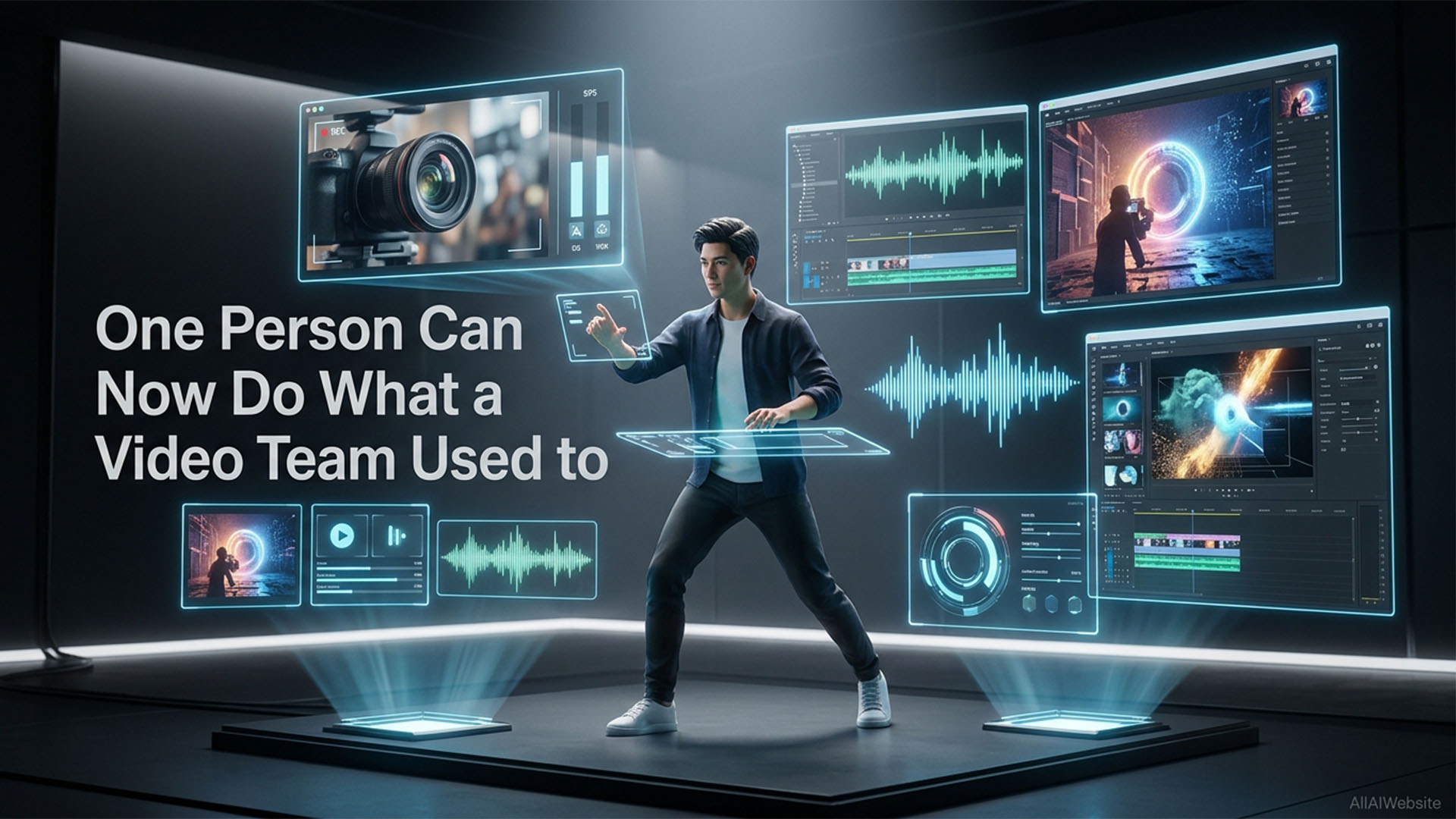
One Person Can Now Do What a Video Team Used to — Here’s How
2025–2026 was the year the best AI video tools 2026 became genuinely production-ready, from text to video AI to AI video editor free options and Sora alternative platforms. OpenAI’s Sora, Runway Gen-3, and competitors like Kling and HeyGen have collectively made it possible for a solo creator to produce video content that previously required a production team. This guide covers the best AI video tools by category — text-to-video generation, AI video editing, AI avatar tools, caption tools, and video repurposing tools.
Quick Comparison — Best AI Video Tools 2026
| Tool | Category | Free Plan | Starting Price | Best For |
|---|---|---|---|---|
| OpenAI Sora | Text-to-video | ❌ No | $20/month (ChatGPT+) | Highest quality generation |
| Runway Gen-3 | Text-to-video | ✅ Yes | $15/month | Creative control |
| Kling AI | Text-to-video | ✅ Yes | $9.99/month | Free tier quality |
| Synthesia | AI avatar video | ❌ No | $22/month | Corporate training |
| HeyGen | AI avatar + lip sync | ✅ Limited | $24/month | Personal brand scaling |
| Descript | AI video editor | ✅ Yes | $12/month | Podcast & YouTube editing |
| CapCut | AI video editor | ✅ Yes | Free | Social media short-form |
| Opus Clip | Video repurposing | ✅ 60 clips/month | $9/month | Long → short-form clips |
| Pika | Text-to-video | ✅ Yes | $8/month | Quick social clips |
| Luma Dream Machine | Text-to-video | ✅ Yes | $29.99/month | Cinematic video |
Best Text-to-Video AI Tools
1. OpenAI Sora — Best Quality Text-to-Video
Sora generates up to 20-second videos from text prompts with physics simulation, camera motion, and scene consistency that set a new benchmark. Available to ChatGPT Plus users ($20/month). Limitations: 20-second maximum, can’t generate real people, occasionally produces physics anomalies in complex scenes.
Best for: Creative professionals, marketers needing high-quality b-roll, concept visualization.
2. Runway Gen-3 Alpha — Best for Creative Control
Runway gives creators more precise control than Sora — camera angle control, motion brush (paint where movement happens), and image-to-video capabilities. Plans from $12/month.
Best for: Film makers, creative directors, music video producers, anyone who needs specific compositional control.
3. Kling AI — Best Free Text-to-Video
Kling AI produces 5–10 second video clips with impressive quality, particularly for motion and physical realism. It has a generous free tier for international users. Worth testing before committing to a paid tool.
Best for: Creators wanting to test text-to-video without paying, social media content, short clips.
4. Synthesia ($22/month) — Best AI Avatar Video
Synthesia creates professional-looking videos with AI avatars presenting your script — no camera, no studio needed. 140+ AI avatars in 120+ languages. Used by BBC, Heineken, and thousands of corporate training teams.
Best for: Corporate training, explainer videos, localized content.
5. HeyGen — Best for Personalized Video at Scale
HeyGen lets you create your own AI avatar by uploading a video of yourself — the AI clones your appearance, voice, and presentation style. Also includes built-in translation that syncs lip movements to other languages.
Best for: Creators scaling their personal brand, businesses creating multilingual content.
Best AI Video Editing Tools
6. Descript ($12/month) — Best Overall AI Video Editor
Edit video by editing the transcript. Automatically removes filler words, silences, and repeated sections. Studio Sound AI cleans audio with one click. Overdub clones your voice to fix mistakes without re-recording.
7. CapCut (Free) — Best Free AI Video Editor for Social Media
CapCut’s AI features — auto-captions, background removal, smart crop for different aspect ratios, text-to-video, and AI effects — are completely free. Dominates TikTok/Instagram Reels editing workflows.
8. Opus Clip (Free/$9/month) — Best for Repurposing Long Video
Paste a YouTube video URL and Opus Clip automatically identifies the most engaging moments and creates short-form clips optimized for TikTok, Instagram Reels, and YouTube Shorts. Free plan gives 60 clips/month.
Which AI Video Tool Should You Start With?
- If you’re a solo creator making YouTube content: Start with Descript ($12/month) for editing efficiency, add CapCut free for short-form clips.
- If you’re a business making explainer videos: Synthesia ($22/month) gets you professional results without a camera setup.
- If you’re experimenting with text-to-video: Try Kling AI free tier before committing to Sora or Runway.
- If you’re a social media creator: CapCut free + Opus Clip free tier covers 90% of short-form video needs at $0/month.
Frequently Asked Questions — AI Video Tools 2026
Q: What is the best AI video generator in 2026?
A: OpenAI Sora produces the highest quality text-to-video output but requires a ChatGPT Plus subscription. For free options, Kling AI and Runway Gen-3’s free tier offer the strongest quality. For social media short clips, CapCut is the best free AI video editor available.
Q: Is there a free AI video generator?
A: Yes. Kling AI, Runway Gen-3 (free tier), Pika, Luma Dream Machine, and CapCut all have free plans. CapCut is the most capable free AI video tool for short-form content. Opus Clip offers 60 free clips per month for repurposing long videos.
Q: What is the best alternative to Sora?
A: Runway Gen-3 Alpha is the closest competitor to Sora for creative control. Kling AI matches Sora’s quality for many use cases and has a better free plan. Pika is best for quick social media clips at a lower price.
Q: How long can AI-generated videos be?
A: Sora generates videos up to 20 seconds. Runway Gen-3 generates up to 10 seconds per clip. Kling generates 5–10 second clips. Synthesia and HeyGen can generate unlimited length videos (avatar-based). For longer videos, string multiple AI clips together in an editor.
Q: Can AI video tools create videos with real people?
A: Tools like HeyGen and Synthesia create videos with AI avatars (including custom avatars of yourself with consent). Sora, Runway, and Kling generate synthetic video — not real people. Creating realistic deepfakes of real people without consent is against most platforms’ terms of service and illegal in many jurisdictions.
Continued…
Q: What is the best AI video editing tool for YouTube?
A: Descript ($12/month) is the best AI video editor for YouTube creators — it lets you edit video by editing the text transcript, automatically removes filler words, and cleans audio with one click. CapCut is the best free option.
Q: Can I use AI to create short-form videos from long content?
A: Yes. Opus Clip (free tier: 60 clips/month) and Pictory automatically identify the most engaging moments in long YouTube videos or podcasts and create short clips optimized for TikTok, Instagram Reels, and YouTube Shorts.
Q: What AI tool creates videos from blog posts?
A: Pictory ($19/month) converts blog post URLs into short video summaries with stock footage and voiceover. InVideo AI also converts articles to video. Both are good for repurposing existing written content into video format for social media.
Q: Are AI avatar tools good for corporate training videos?
A: Synthesia is the industry leader for corporate training — 140+ AI presenters in 120+ languages, no camera needed, and scripts can be updated without re-recording. Used by major enterprises including BBC and Heineken for scalable training content.
Q: How much does AI video generation cost per minute?
A: Text-to-video generation varies by tool. Runway Gen-3 charges credits ($15/month for ~625 seconds). Sora is included with ChatGPT Plus ($20/month). CapCut is free for editing. The most cost-effective approach: use CapCut (free) for editing and Kling AI (free tier) for generation.
Conclusion
The best AI video tools 2026 have made professional video production accessible to solo creators and small teams for the first time. Whether you need a text to video AI for generating original clips, an AI video editor free for cutting your existing footage, or a Sora alternative that fits your budget — there is a tool in this list for every use case and every budget.
If you’re just starting out: CapCut free + Opus Clip free covers 90% of social media video needs at $0/month. If you’re producing professional content: Descript for editing and Runway Gen-3 for generation is the stack most working video creators use in 2026. And if quality is your absolute priority: Sora via ChatGPT Plus remains the benchmark for text-to-video generation. Browse our full AI Video Tools directory → to compare every option.