Introduction
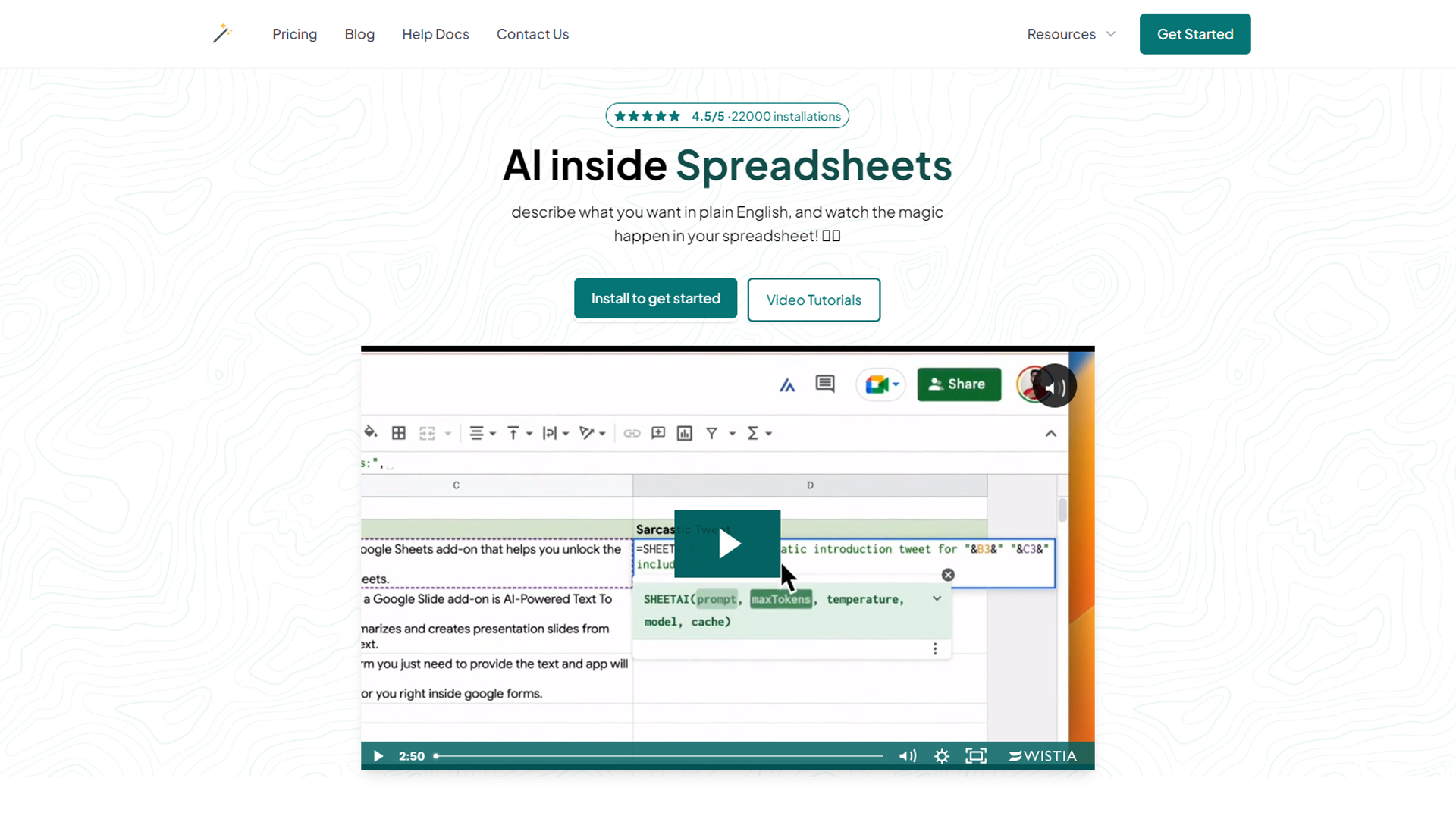
SheetAI is an innovative platform that integrates artificial intelligence directly into Google Sheets, revolutionizing the way you analyze data, generate content, and manage workflows. Whether you’re a business professional, data analyst, or content creator, SheetAI simplifies tasks and boosts productivity with its AI-powered features.
Features of the SheetAI App
- AI-Powered Data Analysis:
SheetAI automates complex data analysis tasks, uncovering insights and trends without requiring advanced technical skills. - Content Generation:
From creating summaries to writing personalized messages, SheetAI generates content directly within your Google Sheets, saving time and effort. - Advanced Automation:
Streamline repetitive tasks with AI-powered automation, allowing you to focus on strategic priorities. - Seamless Integration:
SheetAI works effortlessly within Google Sheets, making it accessible without the need for additional software or tools. - Customizable Formulas:
Use AI-enhanced formulas to perform calculations, analyze data, or extract insights tailored to your specific needs.
SheetAI Help Section
Documenting issues and solutions for the SheetAI App

Benefits of Using the SheetAI App
- Efficiency Boost: Automate mundane tasks and focus on more critical aspects of your projects.
- Enhanced Accuracy: Reduce manual errors with AI-driven calculations and analyses.
- Time-Saving: Generate content and insights in seconds, cutting down on hours of manual work.
- Ease of Use: Accessible to all skill levels with a user-friendly interface.
- Versatility: Adaptable to various use cases, from business analytics to academic research.
How to Install the add-on

Use Cases for SheetAI App
- Business Analytics: Analyze sales data, track KPIs, and generate performance reports effortlessly.
- Content Marketing: Create blog outlines, email drafts, or social media posts directly in Google Sheets.
- Financial Planning: Automate budget calculations and financial forecasts.
- Education: Simplify data analysis for research projects and presentations.
- Project Management: Streamline task tracking and progress reporting.
Simple, transparent pricing.
Get started, generate up to 5 formulas and 50 SHEETAI functions calls for free, And upgrade once happy with the results

How SheetAI Works
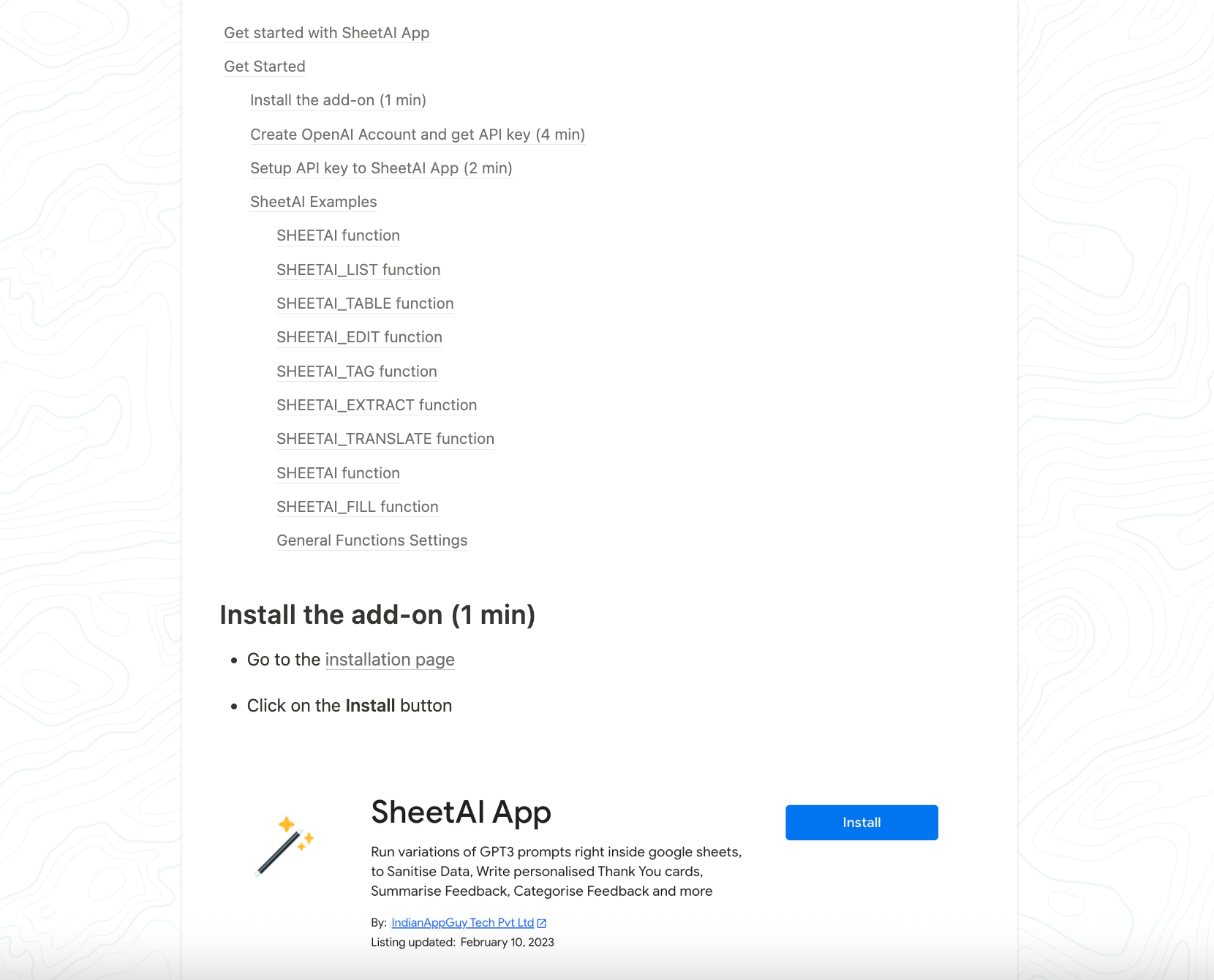
- Install the Add-On: Add SheetAI to your Google Sheets through the Google Workspace Marketplace.
- Input Your Data: Enter the data you want to analyze or content parameters for generation.
- Leverage AI Tools: Use SheetAI’s features to perform analyses, generate content, or automate workflows.
- Refine and Share: Customize the outputs and share them seamlessly with your team or stakeholders.
Get Started
Take your Google Sheets experience to the next level with SheetAI. Visit their website to explore the features, install the add-on, and start transforming your workflows today.
Bonus: ai semantris is a great way to test your word skills with AI-powered gameplay.