

DropshelfFileDragger
Dropshelf is a productivity tool for temporarily storing and moving files.
What is Dropshelf?
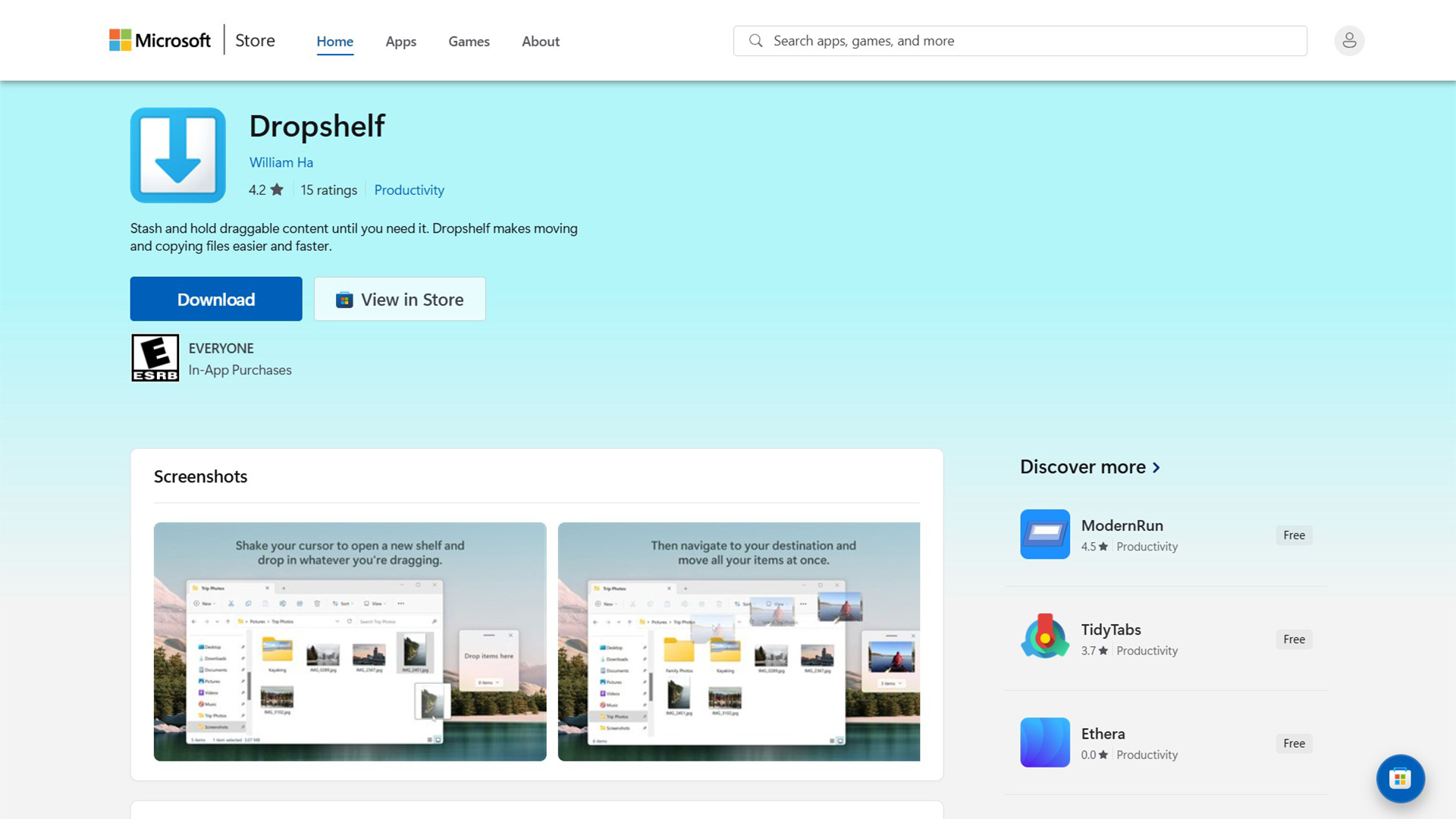
File transfer tool is made simple with this productivity tool. It provides a simple drag-and-drop interface for moving content. Learn how to move files between different folders with this elegant solution. Stash and hold draggable content until you need it. Dropshelf makes moving and copying files easier and faster. Shake your cursor to open a new shelf, and drop in whatever you’re dragging. Then navigate stress-free between folders, pages, and windows, and drag your files out to where they’re supposed to go.
Key Features:
- Shelf for content
- Drag-and-drop support
- Save named shelves
- Fluent design UI
- Windows 11 compatibility
- Temporary storage
- Cursor-shake activation
- In-app purchase for Pro
- Holds various content types
- Up to 10 devices
Use Cases of Dropshelf:
- Moving multiple files
- Copying folders
- Transferring links
- Storing web images
- Navigating different windows
- Organizing project files
- Saving collections for later
- Streamlining workflow
- Reducing desktop clutter
- Cross-application content movement
Get Started
Visit the website to explore its features. This tool is designed to save you time and make organizing your digital content stress-free.