Google Hits Back — Gemini 2.5 Pro Tops the AI Leaderboards
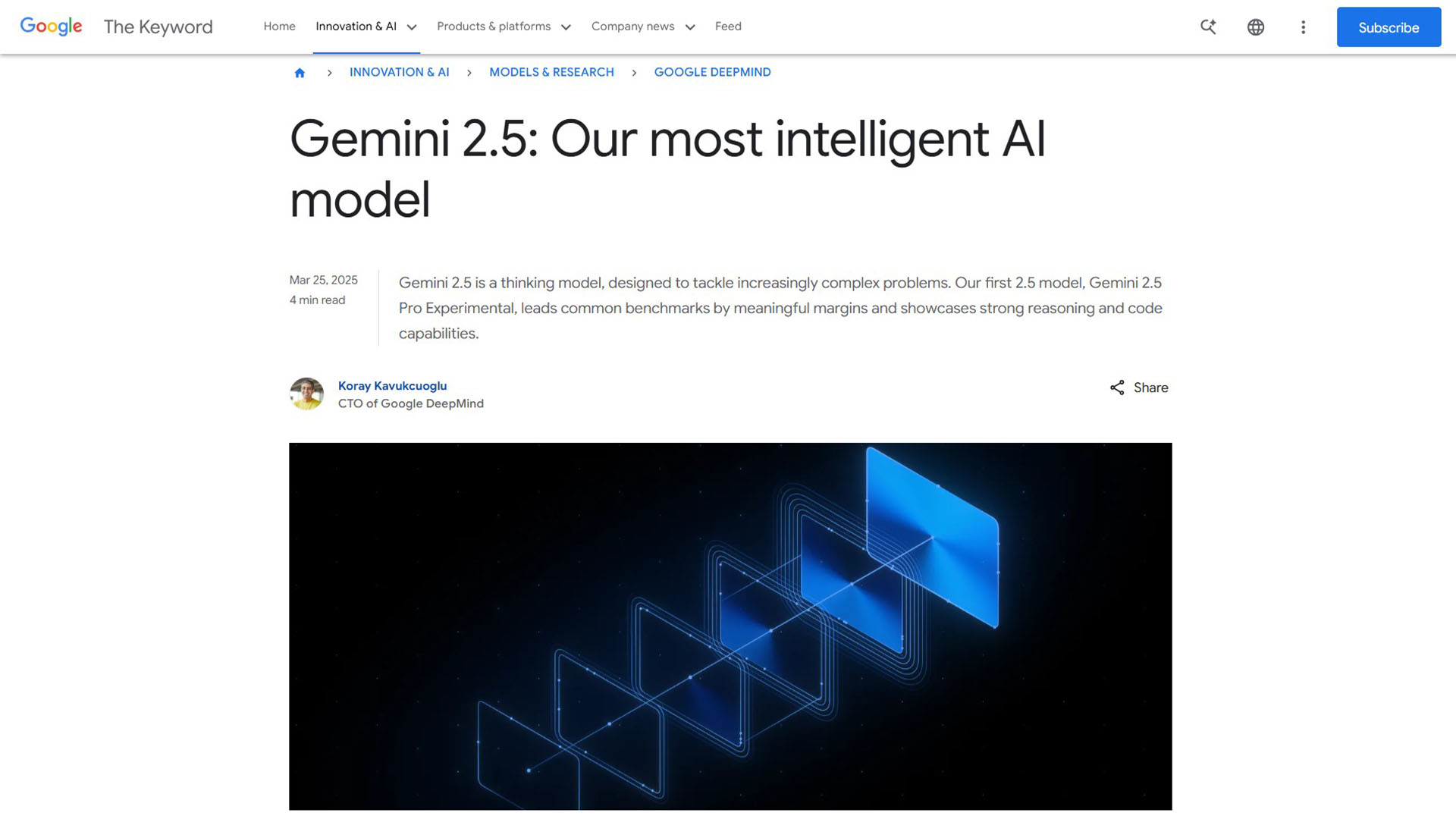
Gemini 2.5 Pro launched in early 2026 and immediately shot to the top of AI benchmark leaderboards, outperforming GPT-4o and Claude on multiple reasoning, coding, and multimodal tasks. Built on Google DeepMind’s latest research and featuring a 1 million token context window, Gemini 2.5 Pro brings serious power to everyday tasks — from writing and research to coding and document analysis. Available through Google’s chat interface at gemini.google.com and via Gemini Advanced subscription, it’s Google’s most capable AI assistant to date.
Gemini 2.5 Pro vs. Top AI Assistants
| Feature | Gemini 2.5 Pro | ChatGPT (GPT-4o) | Claude 3.7 | Grok 3 |
|---|---|---|---|---|
| Context Window | ✅ 1M tokens | ⚠️ 128K | ✅ 200K | ⚠️ 131K |
| Coding | ✅ Top-tier | ✅ Excellent | ✅ Excellent | ✅ Very good |
| Deep Research | ✅ Yes | ✅ Yes | ⚠️ Limited | ✅ DeepSearch |
| Google Workspace | ✅ Native | ⚠️ Via plugin | ❌ No | ❌ No |
| Image Generation | ✅ Imagen 3 | ✅ DALL-E 3 | ❌ No | ✅ Grok Imagine |
| Free Plan | ✅ Gemini 2.0 Flash | ✅ GPT-4o limited | ✅ Claude Haiku | ✅ Grok 3 limited |
Key Features in 2026
- 1M Token Context Window: Paste an entire book, codebase, or research library and Gemini 2.5 Pro understands it all at once. The largest context window of any mainstream AI assistant.
- Deep Research: Give Gemini a complex research question and it autonomously searches the web, synthesizes sources, and produces a structured, cited report — similar to having a research analyst on demand.
- Canvas: Draft and refine documents, essays, reports, scripts, presentations, and code directly inside Gemini with a live collaborative editor. Export to Google Docs in one click.
- Google Workspace Integration: Gemini reads and writes to your Gmail, Google Docs, Drive, Calendar, and Slides — enabling personalized suggestions based on your actual data.
- Multimodal Understanding: Analyze images, PDFs, and video alongside text — making it powerful for document Q&A, visual analysis, and mixed-media research.
- AI Image Generation: Generate images with Imagen 3, Google’s latest image model, directly inside Gemini Advanced.
- Coding Assistance: Explain, debug, and generate code across dozens of languages, with real-time context awareness across your entire codebase.
Pricing
| Plan | Price | Model | Key Features |
|---|---|---|---|
| Gemini (Free) | $0 | Gemini 2.0 Flash | Chat, image upload, basic tasks — no Deep Research or Canvas |
| Gemini Advanced | $19.99/month (Google One AI Premium) | Gemini 2.5 Pro | 1M context, Deep Research, Canvas, Google Workspace integration, Imagen 3, priority access |
| Google Workspace (Business) | From $30/user/month | Gemini 2.5 Pro | Enterprise AI across Gmail, Docs, Sheets, Meet — with admin controls and security |
Gemini Advanced is included with Google One AI Premium at $19.99/month, which also includes 2TB Google Drive storage and other Google One benefits.
Who Is Gemini 2.5 Pro For?
Gemini 2.5 Pro is best for: Google Workspace users who want AI that knows their emails and documents, researchers who need to analyze massive documents in one go, developers working with large codebases, and content creators who want seamless export to Google Docs. It’s less ideal for users deeply embedded in the Microsoft ecosystem (Copilot wins there) or those who need the most human-like creative writing (Claude excels there).
Pros and Cons
| ✅ Pros | ❌ Cons |
|---|---|
| 1M token context — largest of any mainstream AI | Advanced features require $19.99/month subscription |
| Top-ranked on coding and reasoning benchmarks | Free tier uses Gemini 2.0 Flash, not 2.5 Pro |
| Native Google Workspace integration | Image generation less versatile than Midjourney |
| Deep Research produces cited, structured reports | Occasional hallucinations on very niche topics |
| Canvas enables real-time document collaboration with AI | Not ideal if you’re outside the Google ecosystem |
Our Verdict
Gemini 2.5 Pro earns a 4.6/5 in 2026. It is the strongest AI assistant for anyone inside the Google ecosystem, with a 1M token context window that no competitor matches at this price point. Deep Research and Canvas make it a productivity powerhouse for writers, researchers, and knowledge workers. At $19.99/month for Gemini Advanced (which includes 2TB Drive storage), the value proposition is strong. If you use Gmail, Google Docs, or Drive daily, Gemini 2.5 Pro is the obvious choice.
Best Gemini Alternatives
| Alternative | Best For | Free Plan | Price |
|---|---|---|---|
| ChatGPT Plus | General AI tasks, plugins, image gen | ✅ Yes | $20/month |
| Claude 3.7 | Creative writing, coding, long documents | ✅ Yes | $20/month |
| Grok 3 | Real-time web search, X integration | ✅ Yes | From $30/month |
| Perplexity AI | Real-time research with citations | ✅ Yes | $20/month |
Frequently Asked Questions
Q: What is Gemini 2.5 Pro?
A: Gemini 2.5 Pro is Google DeepMind’s most capable AI model, available through Gemini Advanced. It features a 1M token context window, Deep Research, Canvas collaboration, Google Workspace integration, and top-tier coding and reasoning capabilities.
Q: How much does Gemini 2.5 Pro cost?
A: Gemini 2.5 Pro is available via Gemini Advanced, included in Google One AI Premium at $19.99/month. This also includes 2TB Google Drive storage. The free tier uses Gemini 2.0 Flash.
Q: Is Gemini 2.5 Pro better than ChatGPT?
A: For context length (1M vs 128K tokens) and Google Workspace integration, Gemini 2.5 Pro wins. For breadth of plugins and creative writing, ChatGPT Plus is competitive. Benchmarks favor Gemini 2.5 Pro on coding and reasoning tasks.
Q: What is Gemini Deep Research?
A: Deep Research is a Gemini Advanced feature that autonomously researches complex topics, browses multiple web sources, and delivers a structured report with citations — typically in a few minutes for tasks that would take hours manually.
Q: Does Gemini 2.5 Pro work with Google Docs?
A: Yes. Gemini Advanced integrates natively with Gmail, Google Docs, Drive, Calendar, and Slides. It can read your emails, suggest replies, summarize documents, and export Canvas drafts directly to Google Docs.