

This GitHub Copilot review 2026 is for developers evaluating the most widely used AI coding assistant on the market. We cover the GitHub Copilot free plan that launched for all GitHub users, the full GitHub Copilot pricing breakdown, a direct Copilot vs Cursor comparison, and the productivity impact based on extended daily use.
What Is GitHub Copilot?
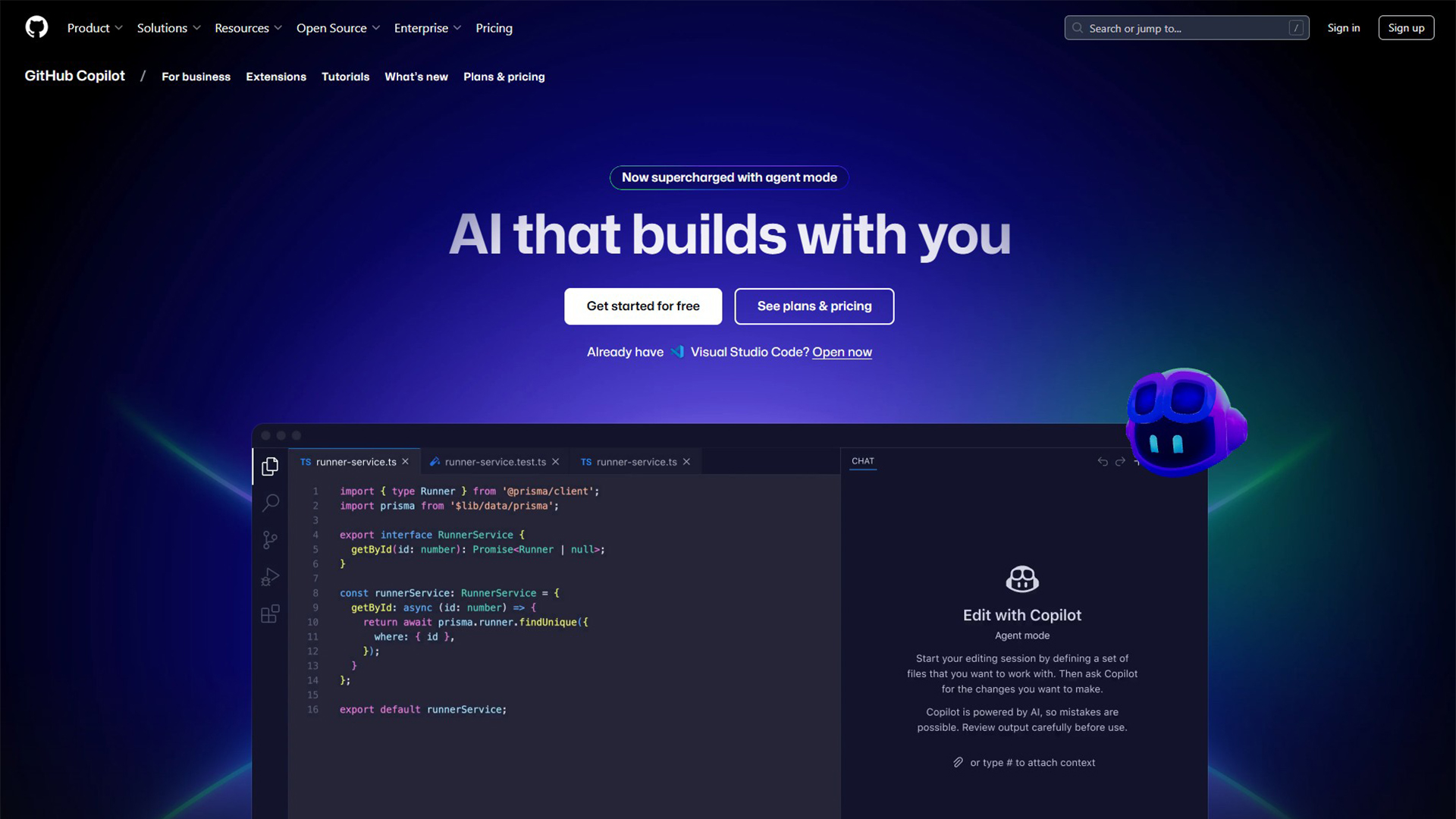
GitHub Copilot is an AI coding assistant developed by GitHub — a Microsoft subsidiary — in collaboration with OpenAI. First launched in 2021, Copilot integrates directly into your code editor and provides real-time code completions, full function generation, automated test writing, code explanation, and an interactive chat interface for asking coding questions in plain English.
As of 2026, the GitHub Copilot free plan is available to all GitHub users — 2,000 code completions per month and 50 Copilot Chat messages, with no credit card required. This is a significant shift that makes the most capable professional AI coding tool accessible without any subscription.
GitHub’s own research shows developers using Copilot complete tasks up to 55% faster than developers without it. After six months of daily use in a professional environment, that figure feels accurate — particularly for boilerplate code, test generation, and debugging common errors.
Key Features of GitHub Copilot
- Real-Time Code Completion: As you type, Copilot suggests completions ranging from the next word to entire multi-line functions. Completions are context-aware — they take into account your open files, imported libraries, and coding style.
- Copilot Chat: An interactive AI assistant inside your IDE. Ask questions in natural language: “What does this function do?”, “How do I implement authentication in Express?”, “Why is this test failing?” Responses are grounded in the code you are currently working on.
- Test Generation (/tests): Type /tests in Copilot Chat while viewing any function. Copilot generates a comprehensive unit test suite including edge cases, assertions, and proper test structure. What takes 20–30 minutes manually takes under a minute with Copilot.
- Code Explanation (/explain): Select any code block and type /explain. Copilot generates a plain-English explanation of what the code does, how it works, and what each component is responsible for. Invaluable when reading unfamiliar codebases.
- Bug Fixing (/fix): Highlight code containing an error, type /fix, and Copilot identifies the specific bug and suggests a targeted correction with explanation.
- Documentation Generation (/doc): Automatically generate JSDoc, docstrings, or inline comments for any function or code block.
- Multi-Language Support: Strongest in Python, JavaScript, TypeScript, Go, C#, Java, and Ruby. Functional support for 80+ programming languages total.
GitHub Copilot Free Plan — What You Get
The GitHub Copilot free plan launched in 2025 and represents a significant change in the accessibility of professional AI coding tools:
- 2,000 code completions per month across all supported IDE integrations
- 50 Copilot Chat messages per month
- Access to VS Code, JetBrains IDEs, Neovim, and GitHub.com integration
- All core Copilot Chat commands including /tests, /explain, /fix, and /doc
- No credit card required — available to all GitHub account holders
For developers who code occasionally or are evaluating the tool before committing to a subscription, the free plan is genuinely useful. For professional developers who write code daily, 2,000 completions per month is typically exhausted within 1–2 weeks of regular use.
GitHub Copilot Pricing — All Plans
Here is the full GitHub Copilot pricing breakdown for 2026:
- Free ($0/month): 2,000 completions and 50 chat messages per month. All IDE integrations. No credit card. Best for evaluation and occasional use.
- Pro ($10/month): Unlimited code completions, unlimited Copilot Chat, all IDE integrations, full GPT-4o model powering suggestions. Best for individual professional developers who code daily.
- Business ($19/user/month): All Pro features plus organizational management, audit logs, IP indemnification for organizations, usage policies, and a guarantee that code snippets are not retained for model training.
- Enterprise (custom pricing): All Business features plus custom fine-tuning on your organization’s codebase, advanced security controls, and dedicated support.
Copilot vs Cursor — Which Is Better for Developers?
The Copilot vs Cursor comparison is the most common evaluation question for developers choosing an AI coding tool in 2026. They serve partially overlapping but distinct use cases:
- Inline code completion: GitHub Copilot is stronger. The completion quality and context-awareness in established IDEs (VS Code, JetBrains) remains ahead of Cursor’s inline suggestions for most use cases.
- Multi-file autonomous editing: Cursor wins. Cursor’s Composer mode can accept a high-level instruction like “add authentication to this Express app” and make coordinated changes across multiple files simultaneously. Copilot does not have this capability.
- IDE integration: GitHub Copilot wins for teams using JetBrains, Neovim, or standard VS Code. Cursor is its own IDE fork of VS Code — you use Cursor instead of VS Code, not inside it.
- Pricing: Copilot Pro at $10/month vs Cursor Pro at $20/month. Copilot is more cost-effective for developers primarily using completion and chat.
- Free tier: Copilot has a more generous free tier (2,000 completions vs Cursor’s 50 Pro requests).
Pros of GitHub Copilot
- Free tier available to all GitHub users with no credit card required
- Deeply integrated into VS Code, JetBrains, Neovim, and GitHub.com
- GitHub’s research shows 55% faster task completion — our experience aligns with this
- Test generation (/tests) dramatically reduces the time cost of maintaining good test coverage
- Copilot Chat understands your codebase context, not just the open file
- Pro plan at $10/month is competitive pricing for daily professional use
Cons of GitHub Copilot
- Code suggestions can be confidently wrong — always review before committing
- Security vulnerabilities in auto-generated code are a real documented risk — use with code review discipline
- Free plan limited to 2,000 completions per month — exhausted quickly by professional developers
- Cannot autonomously edit multiple files simultaneously like Cursor Composer can
- Training data includes public GitHub code — copyright and IP concerns for some enterprise organizations
Best GitHub Copilot Alternatives in 2026
Not sure if this tool is right for you? Here are the top alternatives to consider in 2026:
| Tool | Best For | Free Plan | Starting Price |
|---|---|---|---|
| Cursor | Full AI-native IDE replacement | ✅ Yes | $20/month (Pro) |
| Tabnine | Privacy & local model support | ✅ Yes | $12/month |
| Codeium | Free, fully featured alternative | ✅ Yes | Free |
| Amazon CodeWhisperer | AWS developers | ✅ Yes | Free (Individual) |
| JetBrains AI | JetBrains IDE users | ❌ Limited | $10/month |
Our Verdict
This GitHub Copilot review 2026 concludes that Copilot is the best general-purpose AI coding assistant for developers working in standard IDEs. The GitHub Copilot free plan makes it the obvious first AI tool for any developer to try. The Pro plan at $10/month justifies its cost for any developer who codes professionally — the productivity gains on test writing alone typically outweigh the subscription cost within the first week of use.
Frequently Asked Questions
Q: Is GitHub Copilot free?
Yes. As of 2025, GitHub offers a free plan for all GitHub account holders — 2,000 code completions and 50 chat messages per month with no credit card required. The free plan includes access to all major IDE integrations. The Pro plan at $10/month unlocks unlimited completions and chat.
Q: Does GitHub Copilot work with JetBrains IDEs?
Yes. GitHub Copilot has official plugins for all major JetBrains IDEs including IntelliJ IDEA, PyCharm, WebStorm, GoLand, and others. The Copilot Chat interface is also available within JetBrains environments on the Pro plan.
Q: Is Copilot or Cursor better?
GitHub Copilot is better for developers who want an AI assistant integrated into their existing IDE workflow — particularly JetBrains users and VS Code users who want to stay in their current environment. Cursor is better for developers who want an AI that can autonomously make changes across multiple files simultaneously. Many developers use both for different tasks.