
SlackHuddles
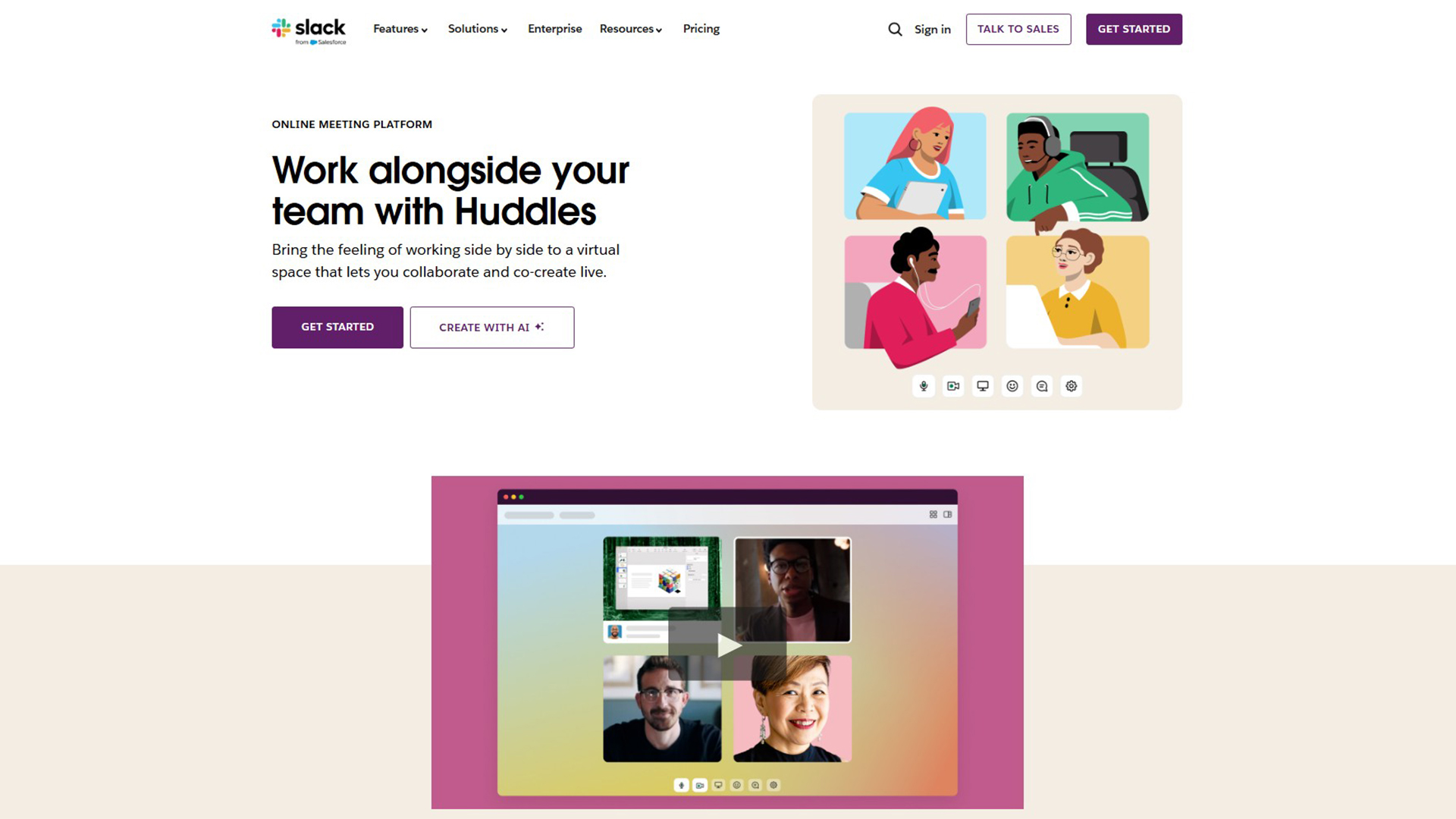
Slack Huddles are a feature for AI-powered instant audio and video communication within Slack.
What is Slack Huddles?
Slack Video Conferencing is its core. It is a team communication tool. This is how to get AI notes from Slack huddles. It offers quick audio/video chats. Supports multi-person screen sharing. Integrates with Slack AI for notes. Facilitates informal team interactions. It’s a nifty solution for those spontaneous discussions or planned collaborations, offering a more interactive and engaging way to communicate compared to traditional text-based chats.
Key Features:
- Real-time Audio/Video Calls
- Multi-person Screen Sharing
- Dedicated Note Thread (Canvas)
- AI Huddle Notes & Transcription
- Informal & Spontaneous Chats
- Channel & DM Integration
- Live Captions
- Emoji Reactions & Effects
- Easy Invite & Join
- Auto-saved Content
Use Cases of Slack Huddles:
- Quick Brainstorming Sessions
- Informal Team Check-ins
- Spontaneous Problem Solving
- Remote Team Collaboration
- Pair Programming
- Client Feedback Discussions
- Virtual Office Hours
- Project Updates & Syncs
- Reducing Meeting Fatigue
- Facilitating Quick Decisions
Get Started
Visit the website to explore its features. You can enable instant voice and video calls within your Slack workspace for seamless collaboration.